 OneTap Save
Streaming video
HLS and M3U8 video downloader
Turn segmented HLS video into one file without pasting links into another service.
What OneTap Save does
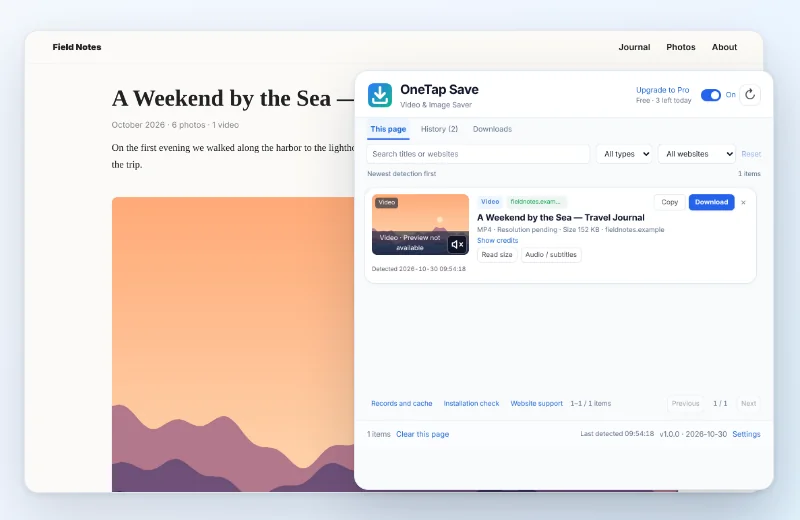
When a page loads a standard HLS or M3U8 playlist, OneTap Save can show the available stream, keep the page-provided quality choices and merge supported segments locally. Direct MP4 and selected separated audio/video sources are handled by their own download paths.
How to use it
- Open the specific video page and start playback.
- Click OneTap Save and choose an available quality.
- Start the download. The task remains in the local queue while segments are fetched and merged.
What it does not do
It does not decrypt DRM, bypass logins or paywalls, or guarantee that every custom player exposes a standard playlist. YouTube is not supported by the Chrome Web Store version.
FAQ
Does it upload the video to a server?
No. Supported HLS processing runs in the browser.
Can every M3U8 link be downloaded?
No. Encrypted, expired, account-bound or non-standard streams may not work.